Master Content Conversion: A Complete Guide to the HTML to Markdown Converter
In the world of web development and content creation, versatility is key. Whether you're a developer migrating content, a writer switching platforms, or an SEO specialist optimizing articles, the need to convert between HTML and Markdown is surprisingly common.
That's why we built the HTML to Markdown Converter—a free, powerful, and easy-to-use tool directly available on KairoxBuild.
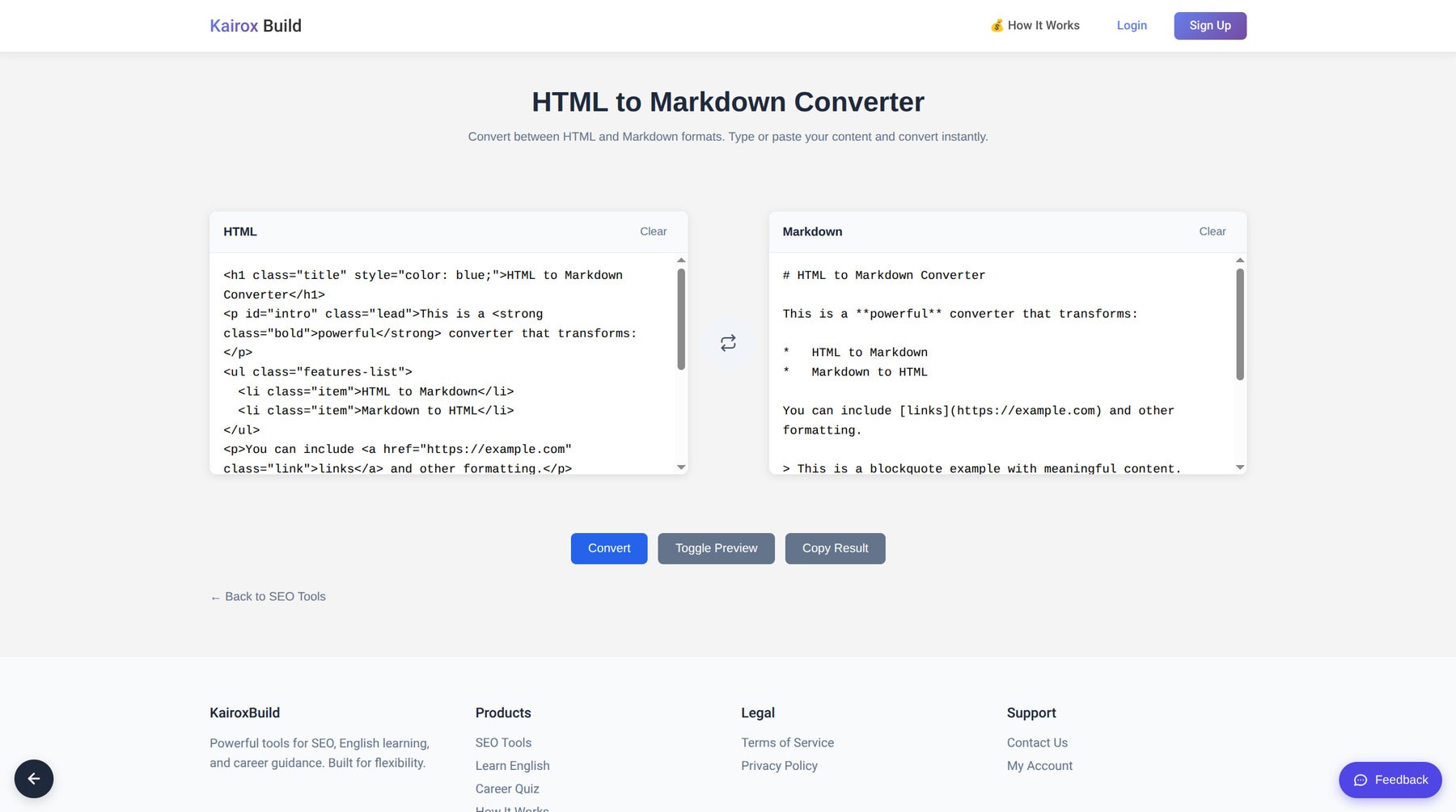 Effortlessly convert your content with our HTML to Markdown tool.
Why Convert Between HTML and Markdown?
HTML (HyperText Markup Language) is the backbone of the web, perfect for structure and layout. Markdown, on the other hand, is a lightweight markup language adored for its simplicity and readability.
You might need to convert:
- HTML to Markdown: When migrating a blog from WordPress to a static site generator like Jekyll or Hugo, or when you want to edit web content in a distraction-free writing app.
- Markdown to HTML: When you've written a post in Obsidian or Notion and need to publish it on a CMS that requires raw HTML.
Key Features of Our Tool
Our tool is designed with simplicity and efficiency in mind. Here's what makes it stand out:
1. Bidirectional Conversion
Switching between HTML-to-Markdown and Markdown-to-HTML is as simple as clicking a button. The interface intuitively handles both directions, ensuring you're never stuck.
2. Real-Time Preview
Not sure how your converted code will look? Use the Toggle Preview feature to instantly see the rendered output. This is perfect for catching formatting errors before you copy the code.
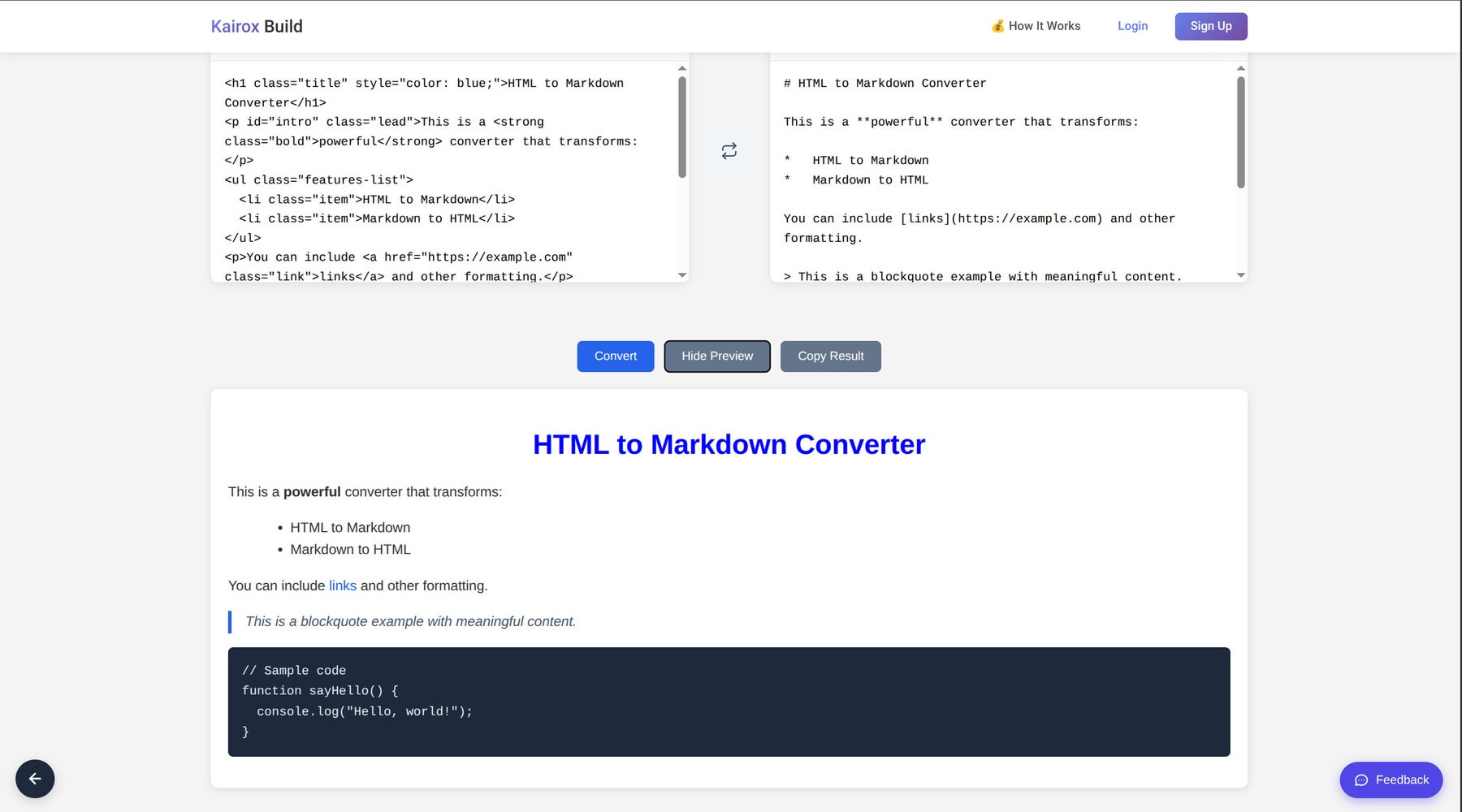 The Preview Mode allows you to verify the rendered output instantly.
3. Clean and Intuitive Interface
We believe tools should be helpful, not confusing. Our dual-pane layout shows you the input and output side-by-side (or top-to-bottom on mobile), making it easy to compare results.
4. One-Click Copy
Once your conversion is done, hit the Copy Result button to grab your code and go. No manual selecting or right-clicking required.
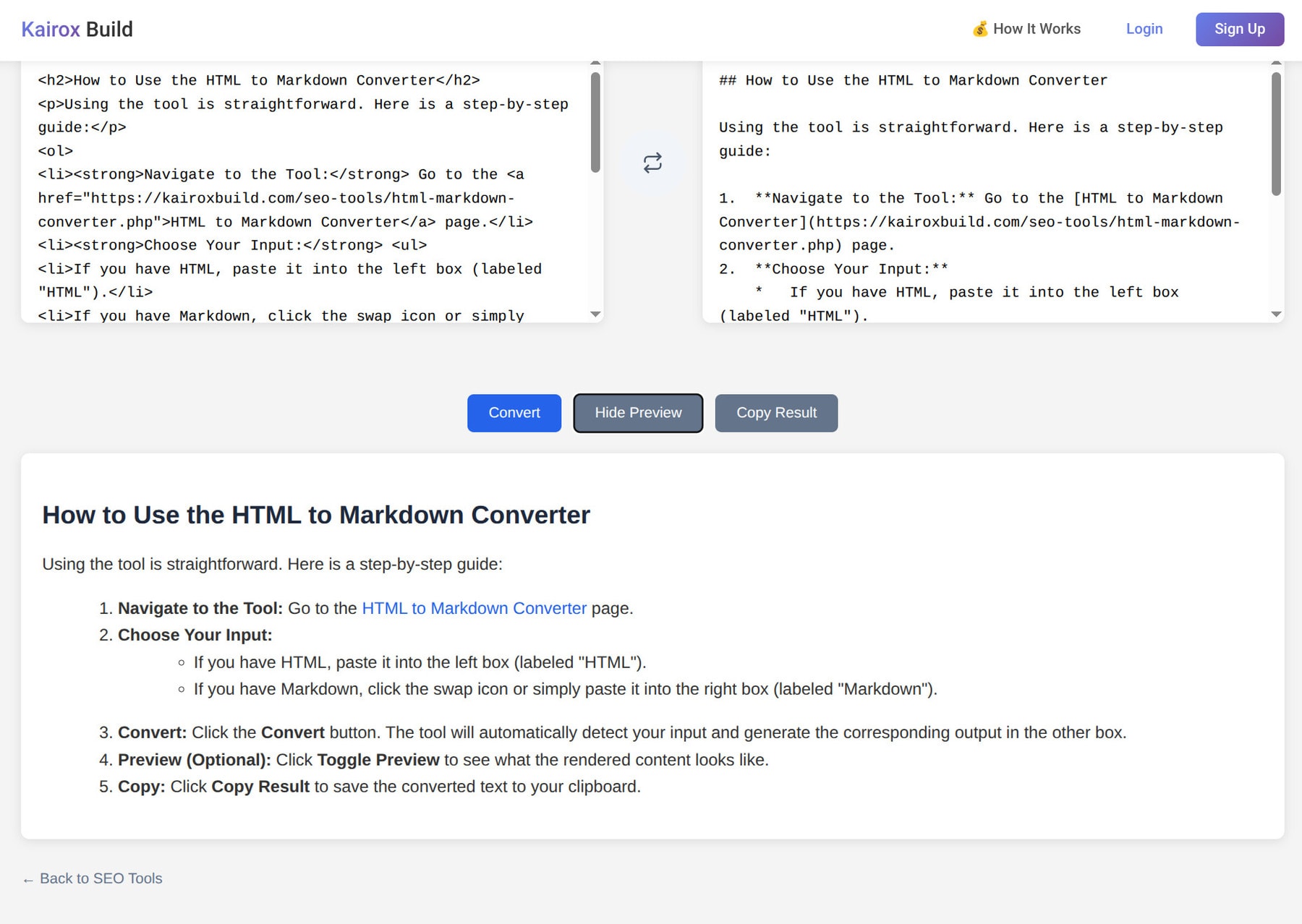 Quickly copy the converted code with a single click.
How to Use the HTML to Markdown Converter
Using the tool is straightforward. Here is a step-by-step guide:
- Navigate to the Tool: Go to the HTML to Markdown Converter page.
- Choose Your Input:
- If you have HTML, paste it into the left box (labeled "HTML").
- If you have Markdown, click the swap icon or simply paste it into the right box (labeled "Markdown").
- Convert: Click the Convert button. The tool will automatically detect your input and generate the corresponding output in the other box.
- Preview (Optional): Click Toggle Preview to see what the rendered content looks like.
- Copy: Click Copy Result to save the converted text to your clipboard.
Who is This Tool For?
- Developers: Quickly turn documentation into web pages or vice versa.
- Content Marketers: Repurpose blog posts for different platforms (e.g., Medium to your own website).
- Students & Writers: detailed note-taking in Markdown converted to HTML for web publishing.
Conclusion
Efficiency is about having the right tools at your disposal. With the HTML to Markdown Converter, you can handle content migration and formatting tasks in seconds, not hours.
Give it a try today and streamline your content workflow!
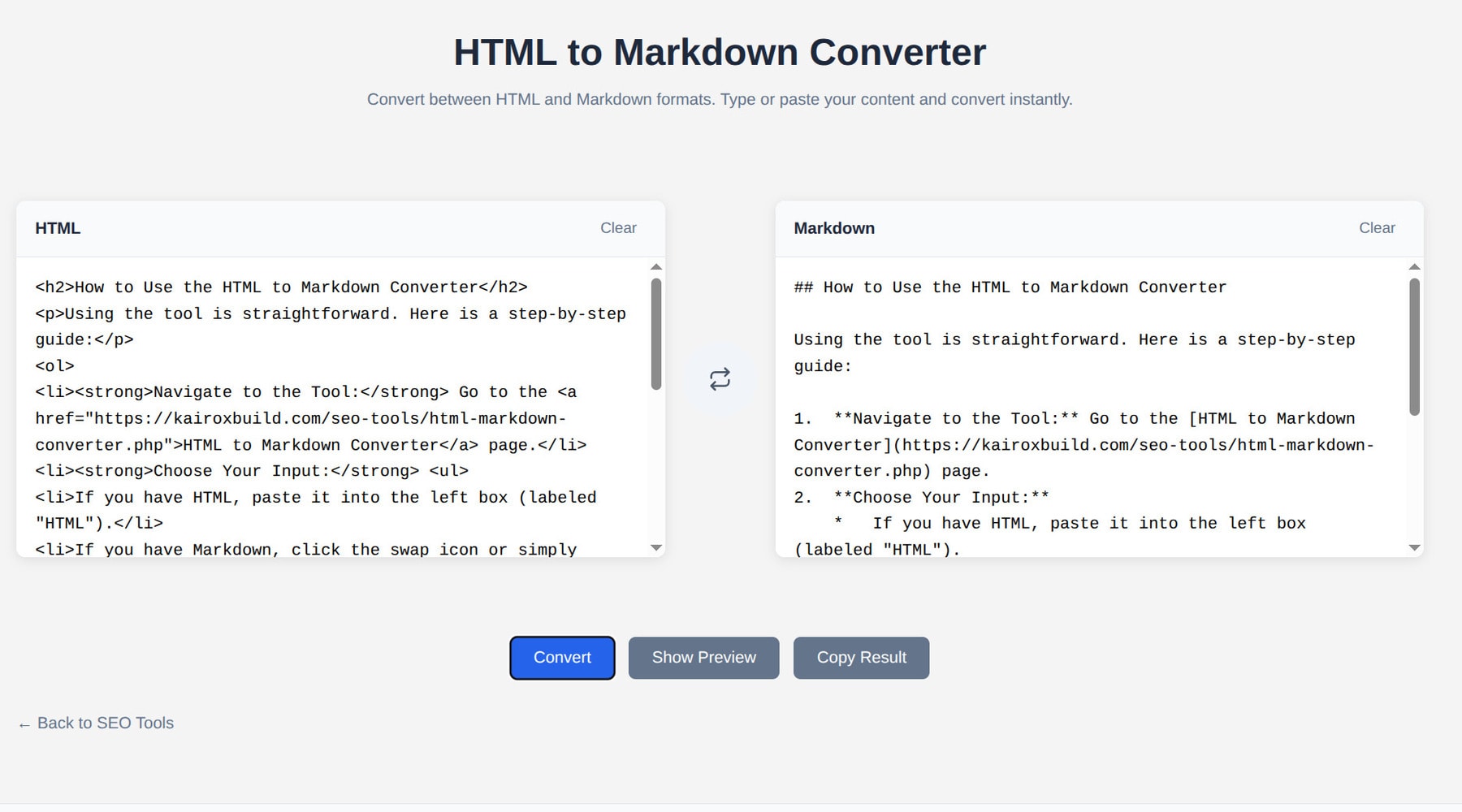 Explore the powerful features designed to streamline your workflow.